
Channel shortcuts
Move between channels and groups, or toggle transmit and scan lists with a tap.
 Stream Deck
Control your radio channels, push-to-talk, volume, and more right from your Stream Deck.
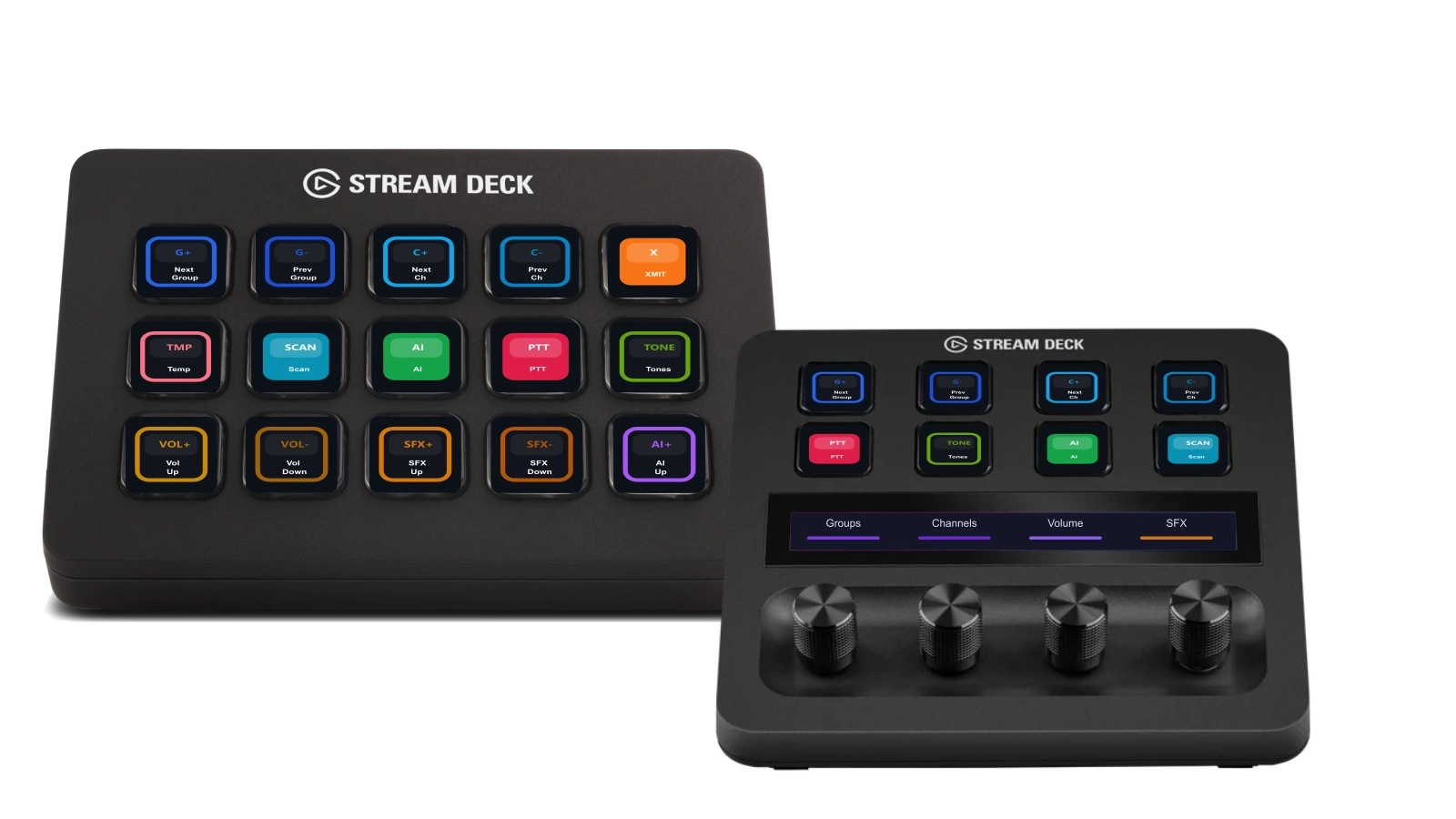
Bring your most-used Sonoran Radio controls to a Stream Deck key or dial. Move through channels, transmit, and fine-tune audio without breaking your flow.
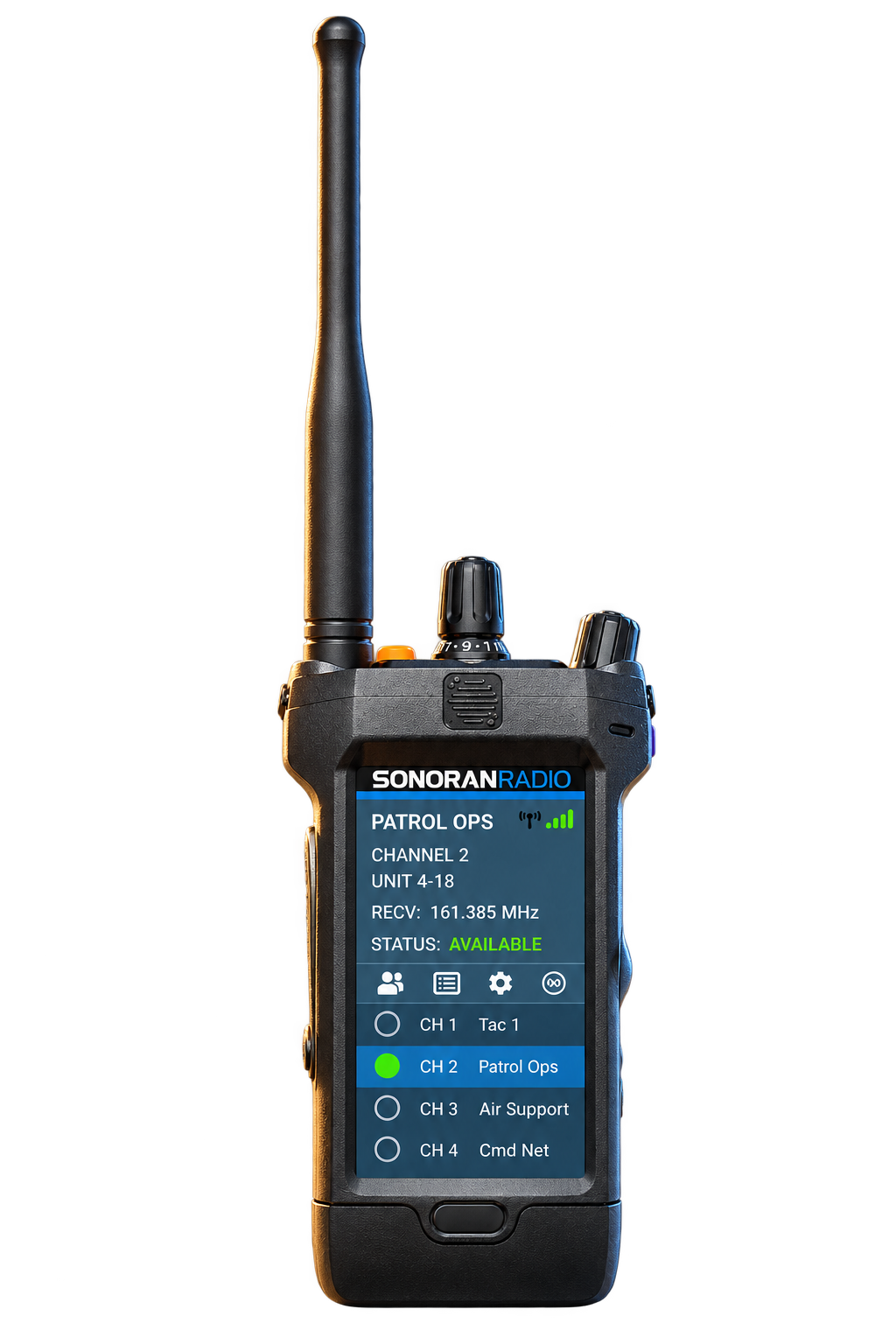
Move between channels and groups, or toggle transmit and scan lists with a tap.
Keep transmit close at hand and send without switching back to the radio app.
Use supported dials to adjust radio, channel, effects, and AI volume.
Put AI mode, Tone Board, and desktop overlays on your deck, or use actions with your FiveM in-game radio.
Start with a Free Radio for your Gaming Community
Start Today